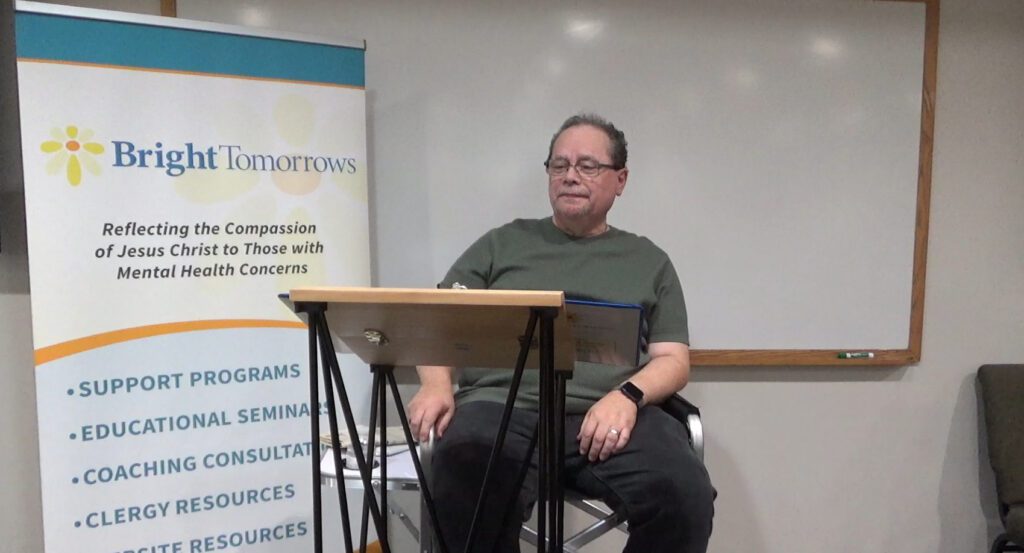
Welcome to Behind the Headlines

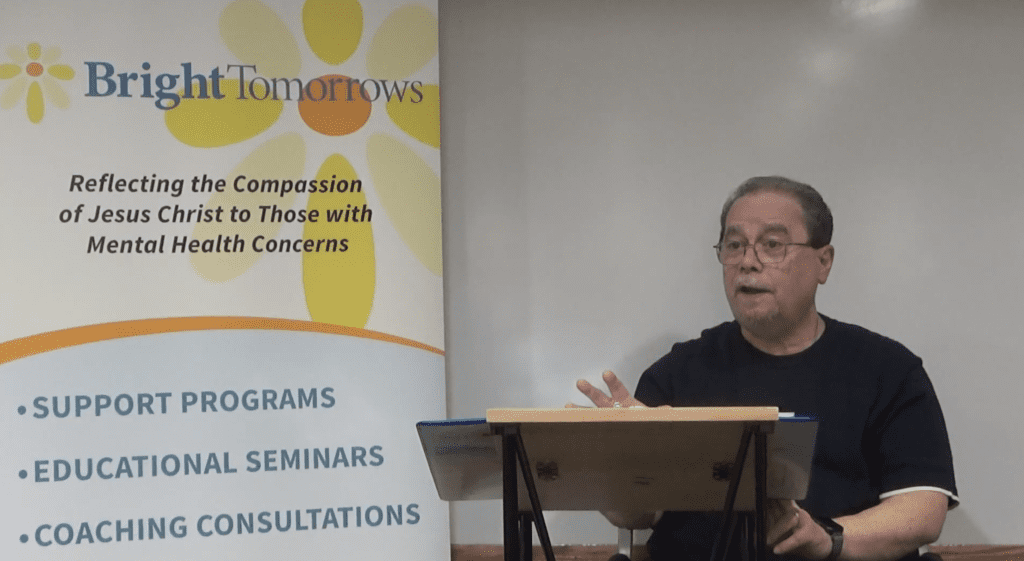
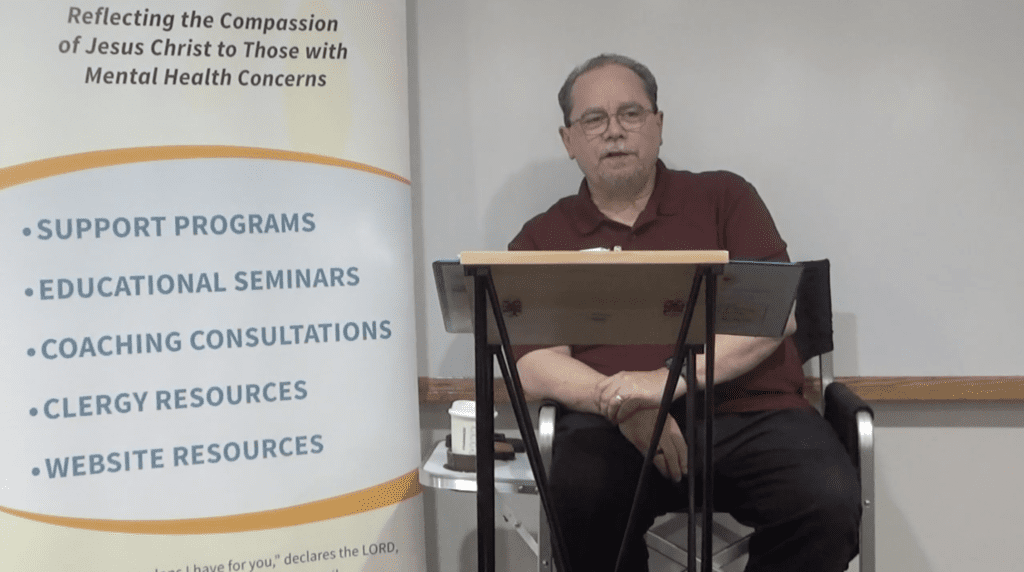
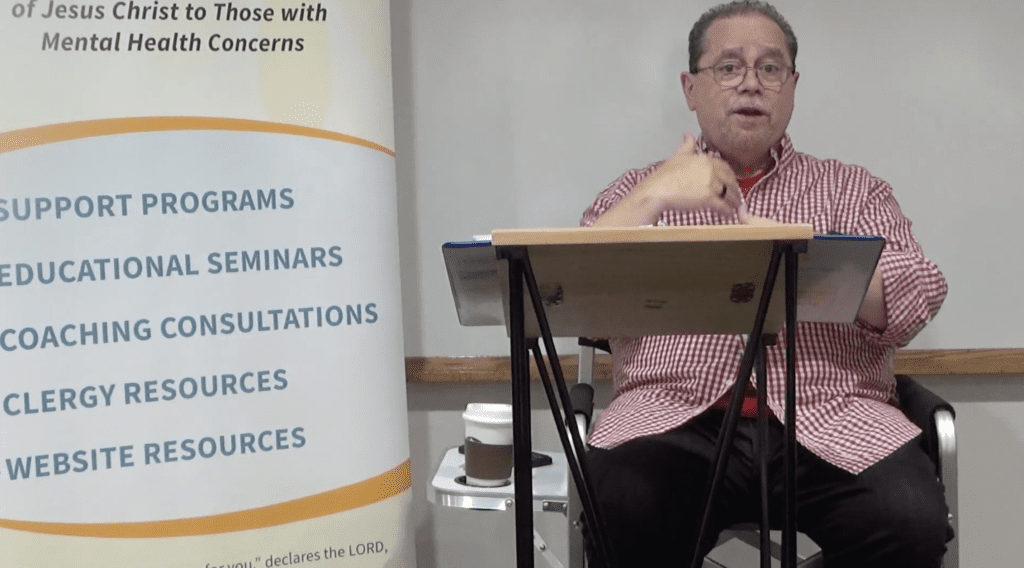
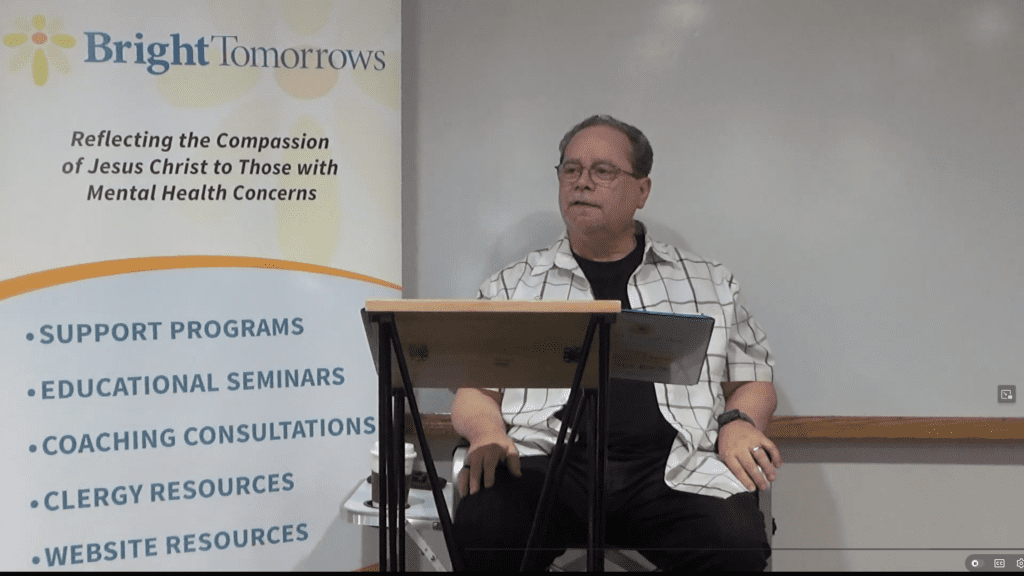
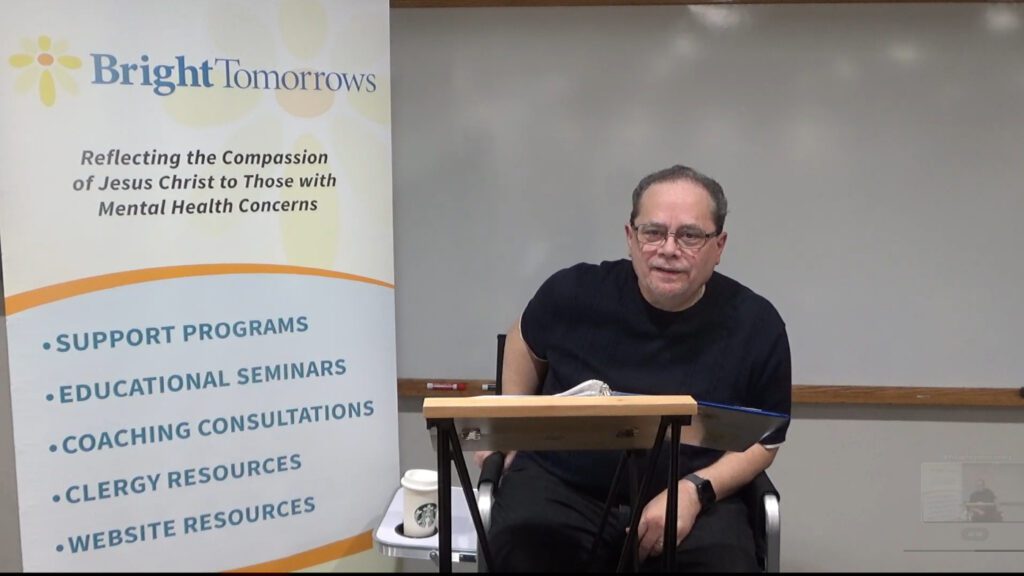
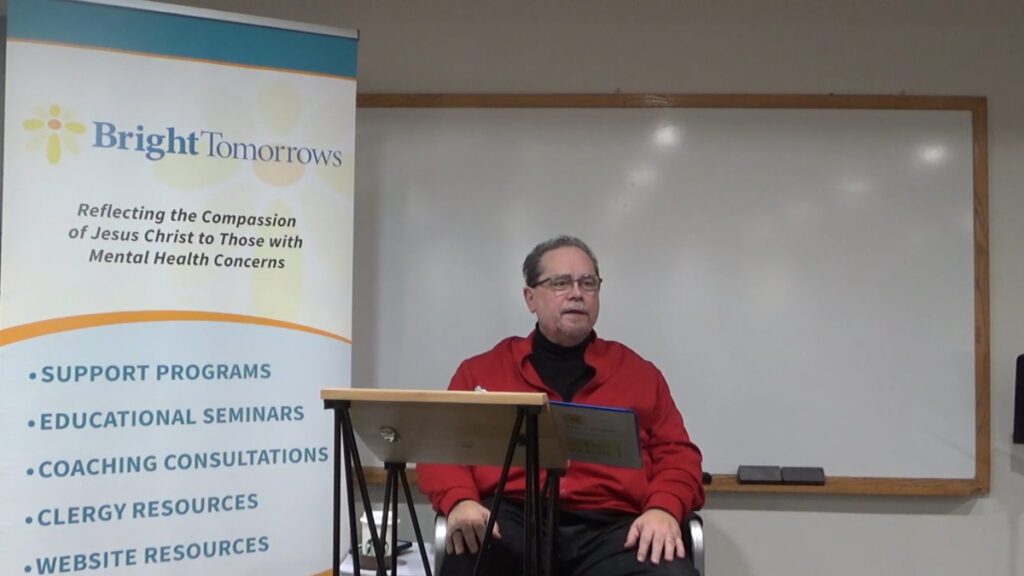
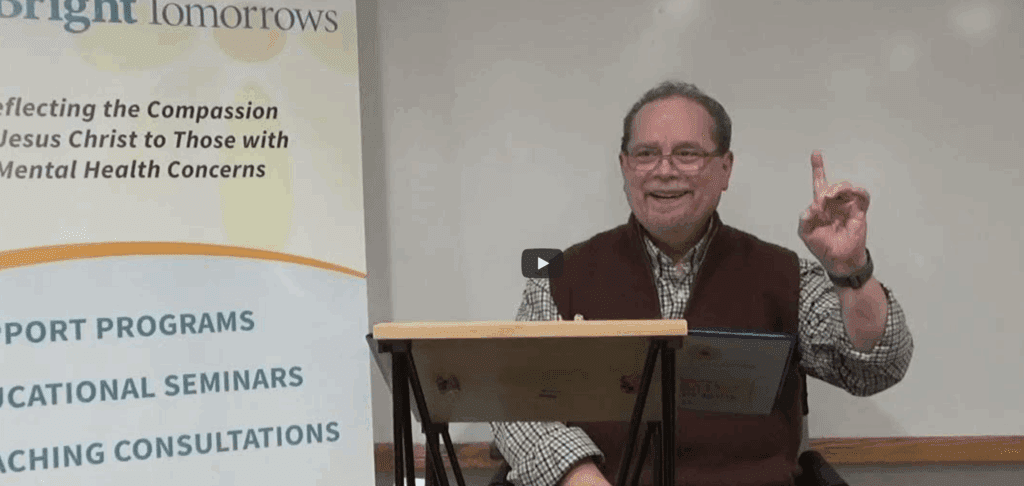
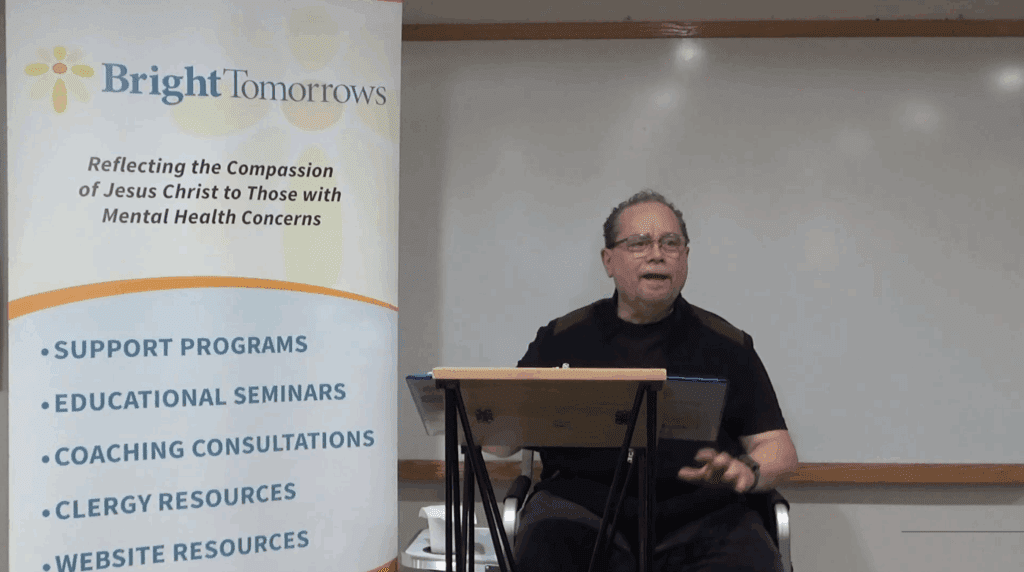
BEHIND THE HEADLINES is an 18-session video series designed to deliver practical guidance, educational material, and valuable resources for individuals experiencing mental health challenges. The series also provides essential information, effective coping strategies, and support for their families and friends.
Tim Reside’s Story: Public Headlines
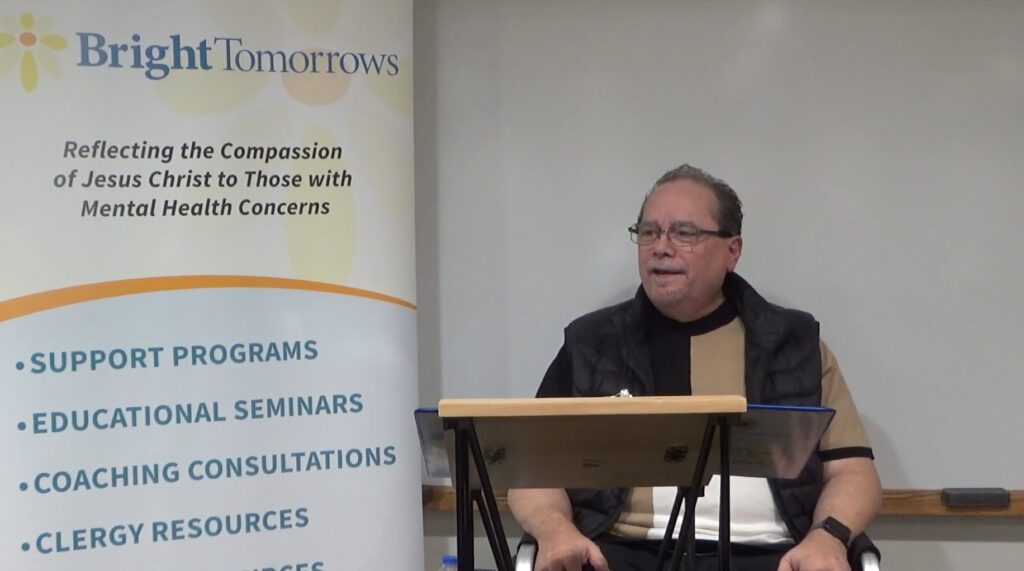
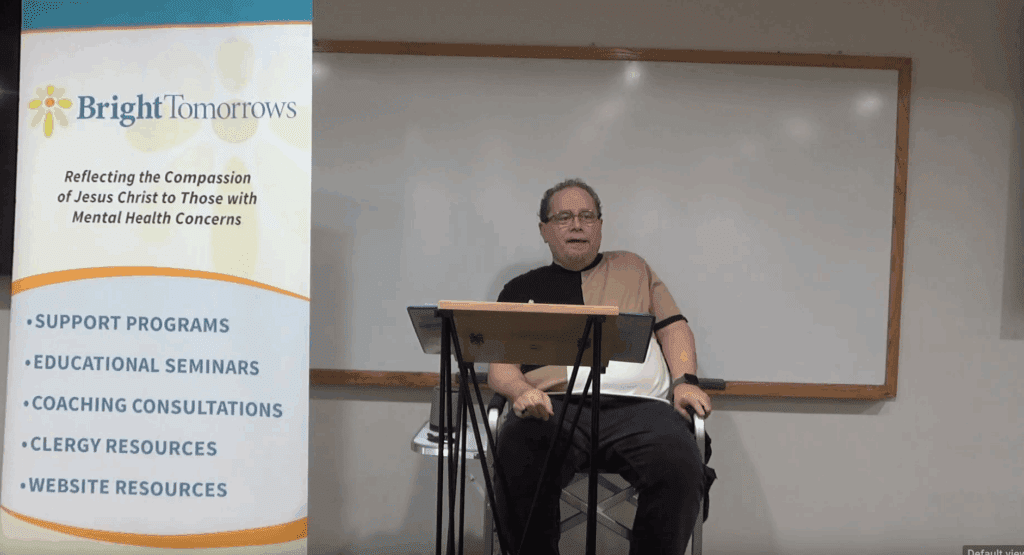
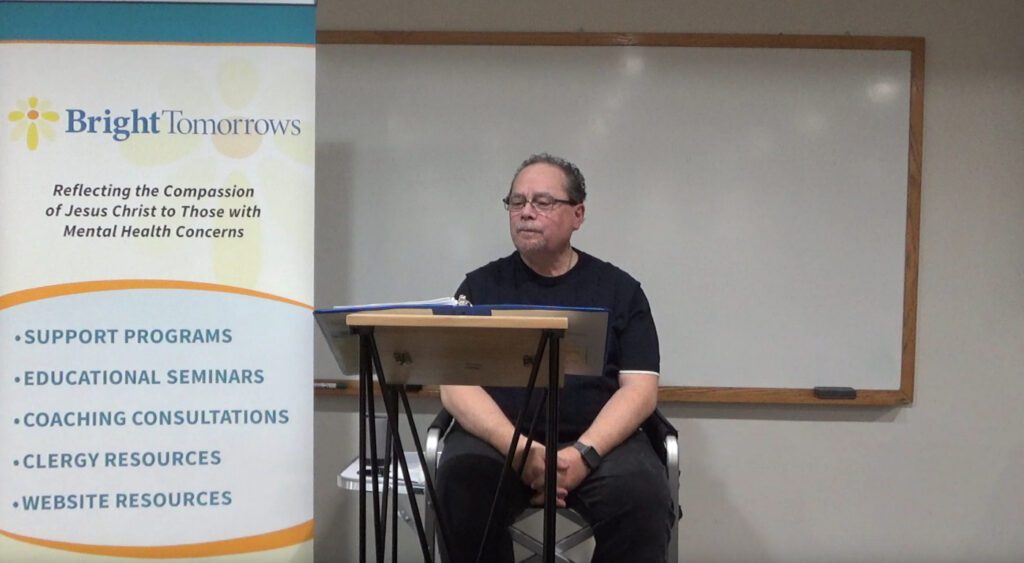
On March 22, 2001, Tim Reside, President of Bright Tomorrows, shared his mental health experiences at a Tulsa conference. A subsequent Tulsa World front-page article, “Saddling Mood Swings,” highlighted Tim’s story and raised awareness about mental health challenges.
The Reality of Long-Term Mental Health Challenges
Tim’s story has inspired many people, but narratives about “overcoming” chronic conditions can make the challenges seem too simple. These stories often leave out the reality of ongoing treatment and daily self-care. This video series bridges that gap by offering 45-minute sessions that include practical coping strategies and guided reflections for participants and their support partners, helping everyone better understand and navigate the journey.
Informational Purpose and Disclaimer
The eighteen video chapters offer personal stories for informational and educational use only, not clinical advice. Tim Reside is not a healthcare professional and consults experts for his own care. Viewers should consult qualified medical professionals before making health decisions.
Resources and Support
Tim has drawn upon a variety of resources throughout his personal journey, as well as during his tenure facilitating support groups and working as a mental health coach. One key resource featured in the development of this video is the Grace Alliance, located in Waco, Texas. For further information, please search for “Mental Health Grace Alliance Resources” online.
Accessing Video Series and Syllabus
You can download a PDF syllabus for chapters three through eighteen of the video series. To view each session, select “View Video.” Afterward, click on “Syllabus Download” to get the corresponding syllabus. If you have questions or feedback, reach out to Tim Reside using the “Contact” page; he will personally respond to your inquiry.
Video Controls: Full Screen  , Volume🔊, and Words [CC]
 , Volume🔊, and Words [CC]
Follow these simple steps to make your video easier to see and hear.
- To make the video bigger: Click the Full Screen icon in the bottom right corner of the video to fill your whole screen.
- To go back to normal: Press the Escape (ESC) key on your top-left keyboard or click that same corner icon again.
- To change the volume: Click the Speaker icon 🔊 to turn the sound on or off. Slide your mouse over the bar next to it to make it louder or softer.
- To show the words (i.e., Captions): Click the [CC] or Speech Bubble icon 💬 to read the words on the screen as people talk.
- To hide the words: Click that same [CC] or Speech Bubble icon a second time to turn the words off.